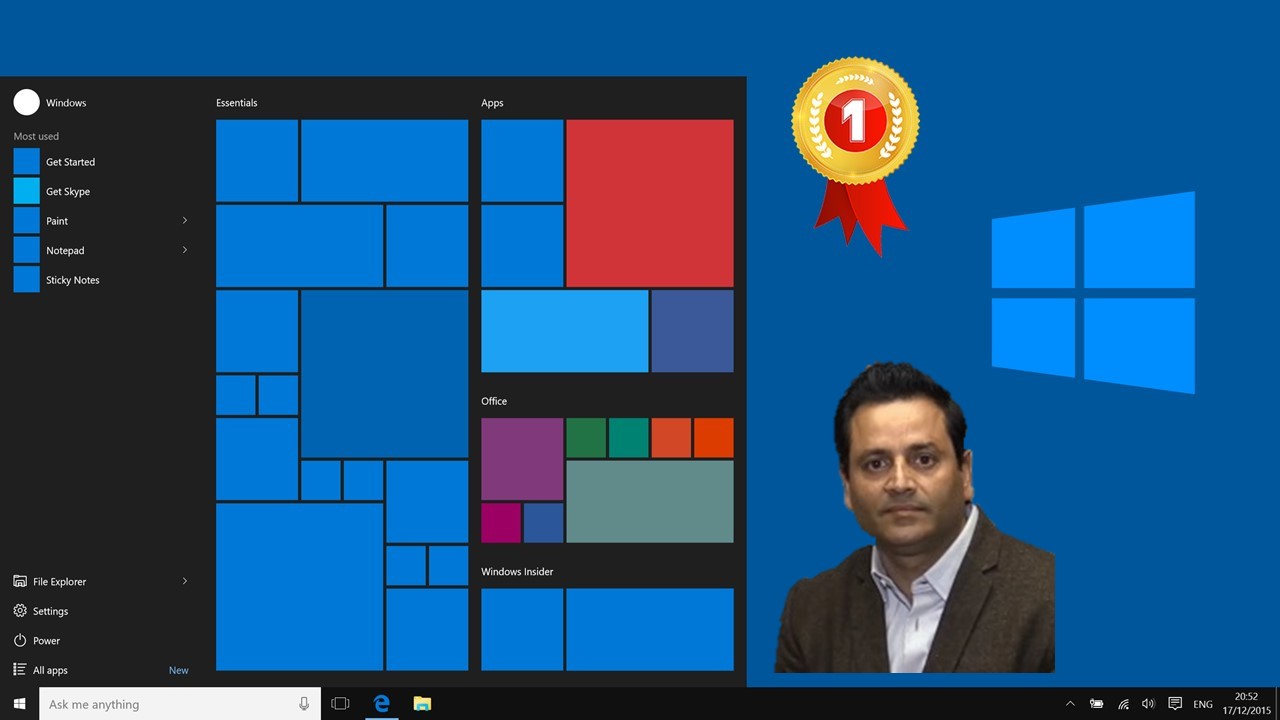
Complete Windows Server Administration Course
Windows is one of the basic operating system that every person should know if you want to get into IT. Whether you are just starting your career or moving up in your existing IT field, you always have to start with Windows and this course will teach you everything you need to know about Windows 2016 administration
In this course you will learn Windows 2016 installation, configuration, administration, troubleshooting, command line, OS tools and much more... I have also included Resume and Interview workshop that will definitely help you get your dream IT job.
Best price
Only
USD 9.99/ONE_TIME
Course Curriculum
Introduction
Syllabus Overview
Download Syllabus
Welcome to Module 1
Different Versions of Windows
Microsoft Background and Products
Windows Market Share - Everyday Windows
Windows vs. Linux vs. MAC
Windows Server Quiz 1
Module 1 - Handouts
Homework
Welcome to Module 2
What is VirtualBox
Download and Install VirtualBox
Create a VM
Windows Server Quiz 2
Module 2 - Handouts
Homework
Welcome to Module 3
Different Ways to Install OS
Download Windows Server 2016
Installing Windows Server – 2016
Other way to install OS
Adding Resources
Hostname and System Information
Windows Server GUI Overview
Computer Boot Process
Windows Server Quiz 3
Module 3 - Handouts
Homework
Welcome to Module 4
Accessing Windows System
Filesystem and Description
Navigating to File System
File Types and Creation
File Properties
Finding Files and Directories
File Maintenance
Files Operations
File Editing Short-Cut Keys
Windows Server Quiz 4
Module 4 - Handouts
Homework
Welcome to Module 5
User Account Management
Elevating User Roles
Monitor Users Activity
System Utilities Under Accessories
Programs and Service Management
System Resource Monitoring
Windows Event Logs
System Maintenance
Jobs and Schedules
Windows Settings
Server Manager Dashboard
Installing and Uninstalling Programs
Windows Applications
Windows Short-Cut Keys
Check System Hardware (Device Manager)
Windows Server Quiz 5
Module 5 - Handouts
Homework
Welcome to Module 6
Roles vs. Features
Adding Roles and Features
What is Domain Controller
Domain Controller and Active Directory
Active Directory Prerequisites
What is DNS
Active Directory Installation
Active Directory Users and Computers
Active Directory User Account Management
Installing Windows Client
Joining the Domain from Windows 7
Remove from Active Directory DNS
Joining the Domain from Windows 10
Active Directory Administrative Center
Active Directory Domain and Trust
Active Directory Module for Windows PowerShell
Active Directory Site and Services
Active Directory Group Policy Management
DNS Administration
WebServer (IIS) Installation
Windows Server Quiz 6
Module 6 - Handouts
Homework
Welcome to Module 7
Windows Batch Scripting
First Batch Script Hello World
Script to Automate Simple Tasks
Windows PowerShell
Windows PowerShell Commands
Windows PowerShell ISE
Windows Management Instrument (WMIC)
Difference Between DOS and PowerShell
Windows Server Quiz 7
Module 7 - Handouts
Homework
Welcome to Module 8
What is NIC
Enable Internet on the VM
NIC Teaming
Network Configuration
Windows Updates
NTP Configuration
File Transfer Methods
FTP Server Installation and Configuration
Sharing FileSystem (Samba or NFS)
WSUS Server Installation and Configuration
Windows Firewall
Windows Server Quiz 8
Module 8 - Handouts
Homework
Welcome to Module 9
What is Computer Storage
Type of Computer Storage
How to Add a New Disk
Extend an Existing Disk
Disk Cleanup and Defragmentation
RAID
NAS Device Storage
Windows Backup and Restore
Windows Server Quiz 9
Module 9 - Handouts
Homework
What is IT
IT Components
Facts About IT
IT Management Jobs
Resume Workshop
Interview Workshop
Post Resume and What to Expect
VMWare Workstation Player Installation
Install Oracle Virtualbox on MAC
Congratulations All
Dont Give Up
Module 10 - Handouts
Let’s keep in touch
Subscribe to the mailing list and receive the latest updates